Drop images here or click to choose
JPG, PNG or WebP
Auto-blur faces or paint areas to blur. Control blur amount from 10% to 100%.
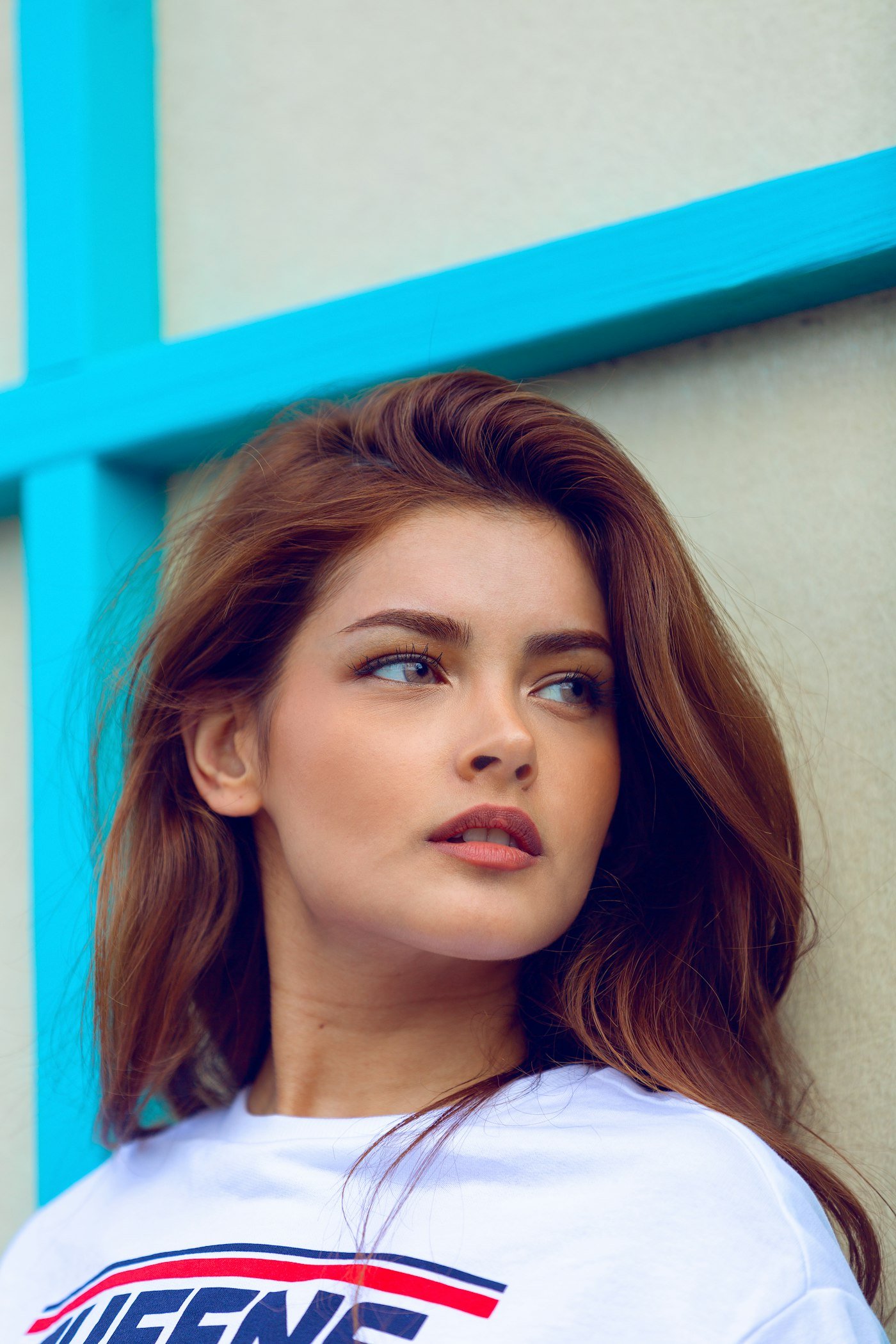
Blur Faces helps protect privacy in photos you publish or share. Auto-detect faces or paint areas manually, set blur from 10% to 100%, preview, then download.
Use it before posting event photos, classroom shots, or street photography where people did not agree to be clearly identifiable.
Yes. Free in your browser.
Auto finds faces quickly; manual brush covers missed areas or non-face regions.
Treat downloads as final for sharing. Keep an unblurred original only if you have the right to store it.